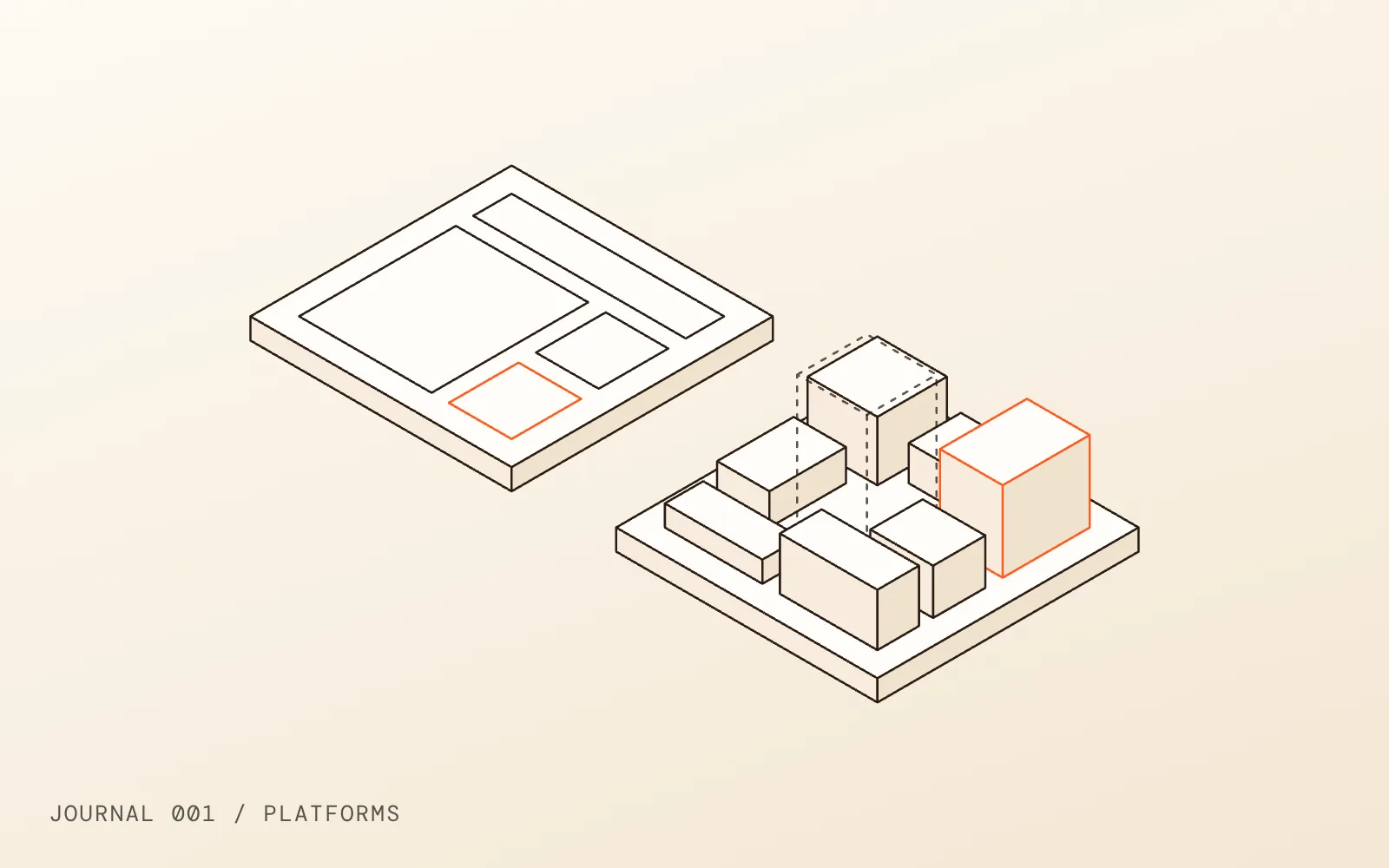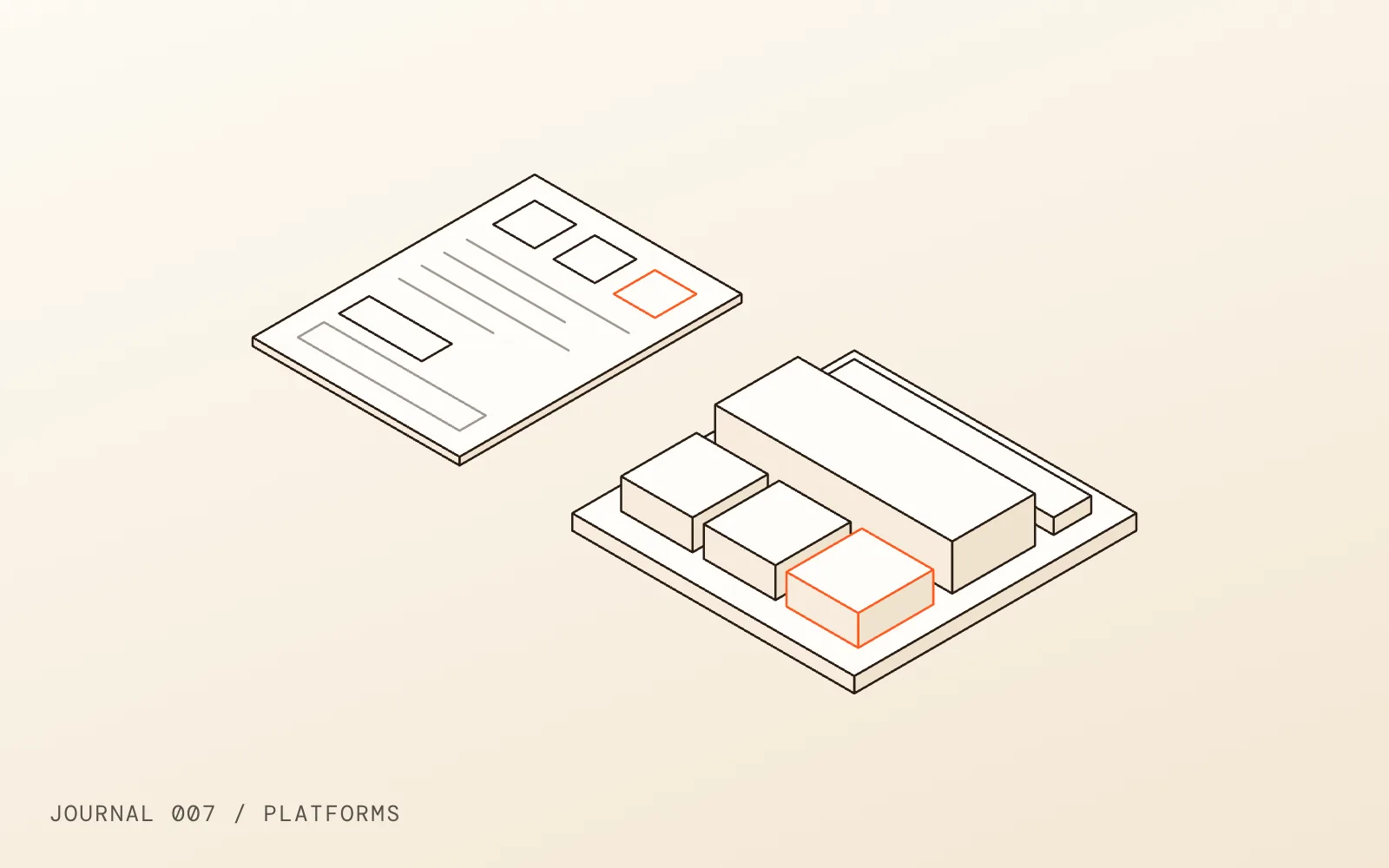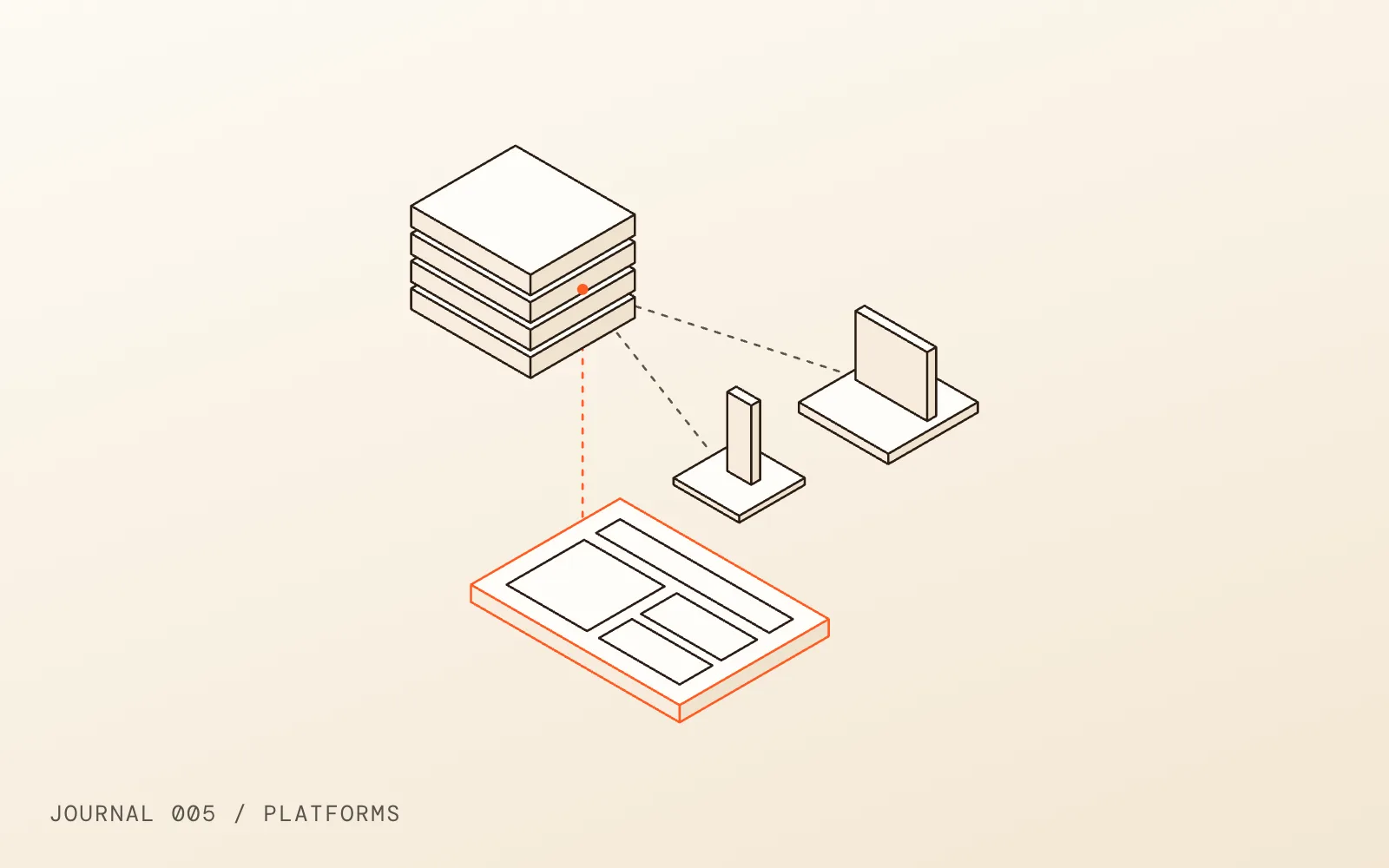
A traditional CMS stores your content and also builds the pages that show it. A headless CMS only stores the content and hands it over through an API; a separate front end, written in code, turns it into pages. The headless CMS vs traditional CMS question comes down to whether that split earns its extra cost for your company. We build both, and we recommend a headless CMS build less often than people expect. This is how we decide.
01What a headless CMS actually is
The HTTP Archive puts the difference plainly in its Web Almanac chapter on CMSs: a classic monolithic CMS combines content storage, presentation and delivery in one system, while a headless or composable CMS separates content management from the site or app that displays it.
In practice that means two projects instead of one:
- The content side. Editors write in an admin built around structured fields: a case study has a client, a summary, a body, a set of images, a list of services. Sanity, for example, describes its Content Lake as storing content as structured data that can be queried and delivered to any channel.
- The front end. A developer builds the website with a framework, pulls the content in through the API, and decides how every field is laid out.
A traditional CMS such as WordPress or Webflow keeps both halves in one place. You edit a page, and the same system renders it. The line is not always hard: WordPress has a REST API that can feed content to a completely separate front end, so it can run headless too. Most WordPress sites do not.
Traditional is still the default by a wide margin. The same Web Almanac chapter finds that CMS driven sites make up over half of the websites it observed in 2025, and that WordPress alone powers roughly 64% of those.
02Headless CMS vs traditional CMS, side by side
| Traditional CMS | Headless CMS | |
|---|---|---|
| Who builds pages | Editors, from a theme or a visual builder | Developers build templates; editors fill them |
| Where content goes | One website | Any number of sites, apps and channels |
| Content structure | Pages, with some custom fields | Structured types and fields, designed up front |
| Preview | Built in | Has to be built and maintained |
| Front end freedom | Limited by the theme or platform | Full control of the code |
| Hosting | One system to host, update and secure | Two: the CMS service and the front end |
| Upfront cost | Lower | Higher; you build the front end and the editing experience |
| Who you depend on | The platform, its plugins or its vendor | Developers who know your stack |
Neither column is better. They suit different companies.
03When a headless CMS pays off
Headless is worth its cost when at least one of these is true, and usually when two are:
- The same content feeds more than one place. Products, locations, team members or articles that appear on the website, in an app, in a second regional site and in a sales tool. Write once, publish everywhere is the main thing headless does that a traditional CMS does badly.
- The front end has to do something unusual. Heavy interaction, 3D, a product configurator, or a site that has to share code with your web app. A theme or visual builder starts to fight you here.
- You have developers anyway. If an in house team already ships a JavaScript app, a headless CMS slots into the way they work. If you would be hiring developers only to look after the website, that cost does not go away after launch.
- Content is structured, not freeform. Catalogues, documentation, directories and large case study libraries benefit from strict fields. A marketing team writing campaign pages mostly does not.
04When a traditional CMS is the better choice
For most company marketing sites, a well built traditional CMS wins. The signs:
- The website is the only place the content lives
- Marketing wants to launch landing pages without opening a ticket
- There is no developer on staff, and you do not want to retain one for every change
- The budget is better spent on design, content and performance than on building a preview system
That last point is the one people miss. With a traditional CMS, preview works on day one. With a headless one, someone has to build it. Sanity's own guide to visual editing lists the work: configuring the client, building secure preview endpoints for draft mode, wiring click to edit overlays into the router, and hosting the preview inside the editor. It is very good once it exists. It is still a project, and it has to be kept working every time the front end changes.
If your choice is really between two traditional platforms, we compared them in Webflow vs WordPress. On many of our projects the answer is a Webflow build, because it gives a marketing team a visual editor and clean hosting without a second system to run.
05The costs nobody puts in the proposal
Headless adds moving parts. None of them are deal breakers, but they belong in the budget:
- Two bills and two vendors: the CMS plan and the front end hosting, each with its own limits and pricing tiers
- Content modelling: designing the types and fields before anything is built, and changing them carefully later
- Preview and drafts: building them, then keeping them working
- Rendering for search: making sure pages arrive as real HTML
- Front end upkeep: framework upgrades and dependency updates, which nobody does for you
- Editor training: editors fill in fields and do not lay out pages, which some teams love and some resent
On rendering: Google can run JavaScript, but its JavaScript SEO guide explains that pages wait in a rendering queue, and it still calls server side or pre-rendering a great idea because it is faster for users and crawlers. We render every headless site to static or server HTML for that reason. A headless site that ships an empty page and fills it in the browser is a choice, not a requirement, and usually the wrong one for marketing pages.
06Switching from one to the other
Moving between the two is a rebuild, not a setting. Content has to be remodelled into the new structure, templates rebuilt, and every URL that earns traffic kept or redirected. Treat it like any other platform move and follow a proper SEO checklist for the migration, because the risk to rankings comes from changed URLs and dropped pages, not from the word headless.
Whichever way you go, keep the design side as structured as the content. A headless front end built from a shared component library is far easier to extend than one built page by page; we explain the difference between that and a brand PDF in design system vs style guide.
07Our short answer
Choose a traditional CMS when the website is the product your marketing team runs every week. Choose headless when the content has to live in several places, or the front end has to do things a theme cannot. If you are not sure which camp you are in, that usually means traditional, and you can always add an API later.
If you want a second opinion on your own setup, tell us what the site has to do and we will say which one we would build, and why.
Sources
- CMS, Web Almanac 2025HTTP Archive, checked
- Content Lake (Datastore)Sanity, checked
- REST API HandbookWordPress Developer Resources, checked
- Visual editingSanity, checked
- Understand JavaScript SEO basicsGoogle Search Central, checked